





In the ever-evolving world of gaming, having the right hardware can make all the difference. For serious gamers, a custom-built gaming PC not only enhances performance but also allows for personalization tailored to individual needs. This article dives deep into the essential components, considerations, and steps required to create the ultimate gaming setup.
Understanding Your Needs: What Do You Want From Your Gaming PC?
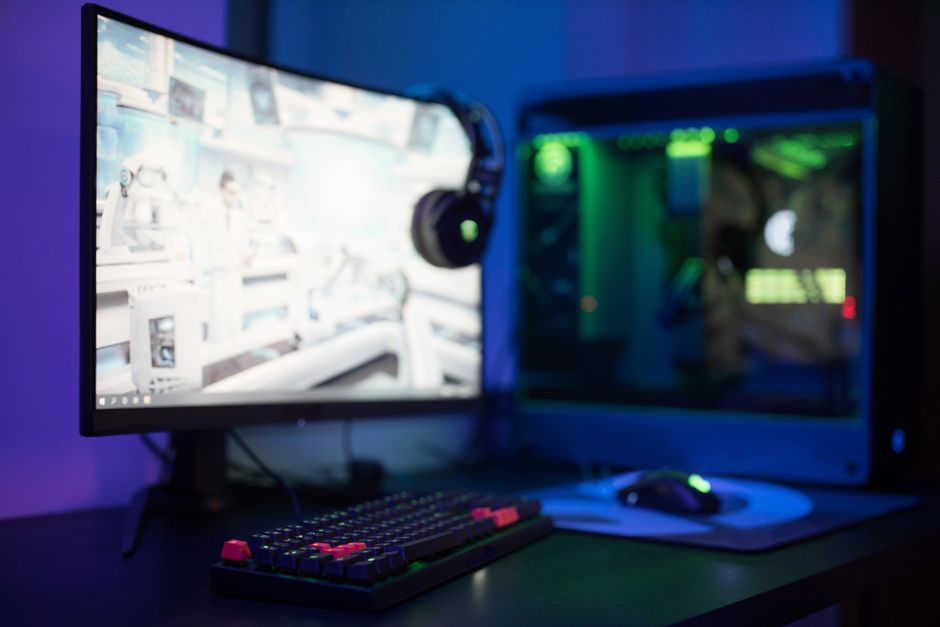
Before you start purchasing components, it’s crucial to define what you want from your gaming PC. Are you looking to play the latest AAA titles at ultra settings, or are you more interested in competitive gaming where high frame rates are essential? Understanding your gaming habits will guide your choices in hardware.
For example, if you’re an esports enthusiast, investing in a high-refresh-rate monitor and a powerful graphics card will be key. On the other hand, if you enjoy story-driven single-player games, a solid CPU and ample RAM might take precedence. Evaluating your gaming style will help you allocate your budget effectively.
Additionally, consider multi-tasking needs. If you plan to stream your gameplay or run other applications simultaneously, ensure your PC has the necessary specifications to handle such demands.
Choosing the Right Components: A Breakdown
Once you have a clear understanding of your needs, it’s time to select the components. Each part plays a critical role in overall performance, and here’s a breakdown of the essential components:
1. CPU (Central Processing Unit): The heart of your gaming PC. Look for a multi-core processor that can handle modern games efficiently. Brands like Intel and AMD offer various options tailored for gaming performance.
2. GPU (Graphics Processing Unit): This component is vital for rendering graphics. A powerful GPU will ensure smooth gameplay, especially at higher resolutions. NVIDIA’s GeForce and AMD’s Radeon series are popular choices among gamers.
3. RAM (Random Access Memory): Aim for at least 16GB of RAM for gaming. This will allow multiple applications to run without issues. For more demanding tasks, consider 32GB.
4. Storage: Consider a combination of SSDs and HDDs. An SSD will speed up load times significantly, while an HDD can provide additional storage for games and files.
5. Motherboard: Ensure compatibility with your CPU and RAM. Look for features that fit your needs, such as Wi-Fi capabilities or additional slots for upgrades.
Don’t forget to also invest in a reliable power supply and a well-ventilated case to keep your components cool.
Assembly: Putting It All Together
With your components selected, it’s time for assembly. Begin by preparing your workspace to ensure that everything is organized and easily accessible. A clean, static-free environment is ideal.
Start by installing the CPU on the motherboard, followed by the RAM. Next, place the motherboard inside the case and secure it. After that, install the GPU and connect all necessary cables from the power supply. Make sure to double-check connections before proceeding.
Once assembled, it’s time to power it on. If everything is functioning correctly, you can proceed to install your operating system and drivers. This is also a good time to optimize settings for your specific games.
Testing and Optimization: Making the Most of Your Build
After assembly, testing your gaming PC is crucial. Run benchmarks and stress tests to ensure stability and performance. Tools like 3DMark can help you evaluate the capabilities of your setup.
Optimize your system settings based on the games you play. Adjust graphics settings for performance or visual enhancements as per your preference. Regular updates to drivers and software can also help maintain optimal performance.
Lastly, consider overclocking as a way to squeeze out extra performance, but proceed with caution and ensure proper cooling solutions are in place.
Budgeting: Finding the Right Balance
Building a gaming PC can vary significantly in cost, so setting a budget is essential. Determine how much you’re willing to spend and prioritize components based on your gaming needs.
Research prices and look for sales or bundle deals to save money. Websites like gaming PC builder can help you compare prices and find the best deals for your selected parts.
Ultimately, remember that while high-end components can enhance performance, there are also great mid-range options available that can provide excellent value for your money.
Conclusion: Your Personalized Gaming Experience Awaits
Building your own gaming PC is an incredibly rewarding experience that allows you to tailor your setup to your specific needs. By understanding your requirements, choosing the right components, and following the assembly process carefully, you can create a powerful rig that enhances your gaming experience. Don’t forget to optimize your system and keep an eye on budget-friendly options. With a little research and planning, the ultimate gaming PC is well within your reach.




More Stories
The Rising Tide of Esports Team Sponsorships
The Essential Guide to Choosing a Gaming Chair Supplier
Choosing the Right Gaming Chair Supplier for Your Needs